💻 FULL CODING INTERVIEW SUPPORT
Your Invisible AI Assistant
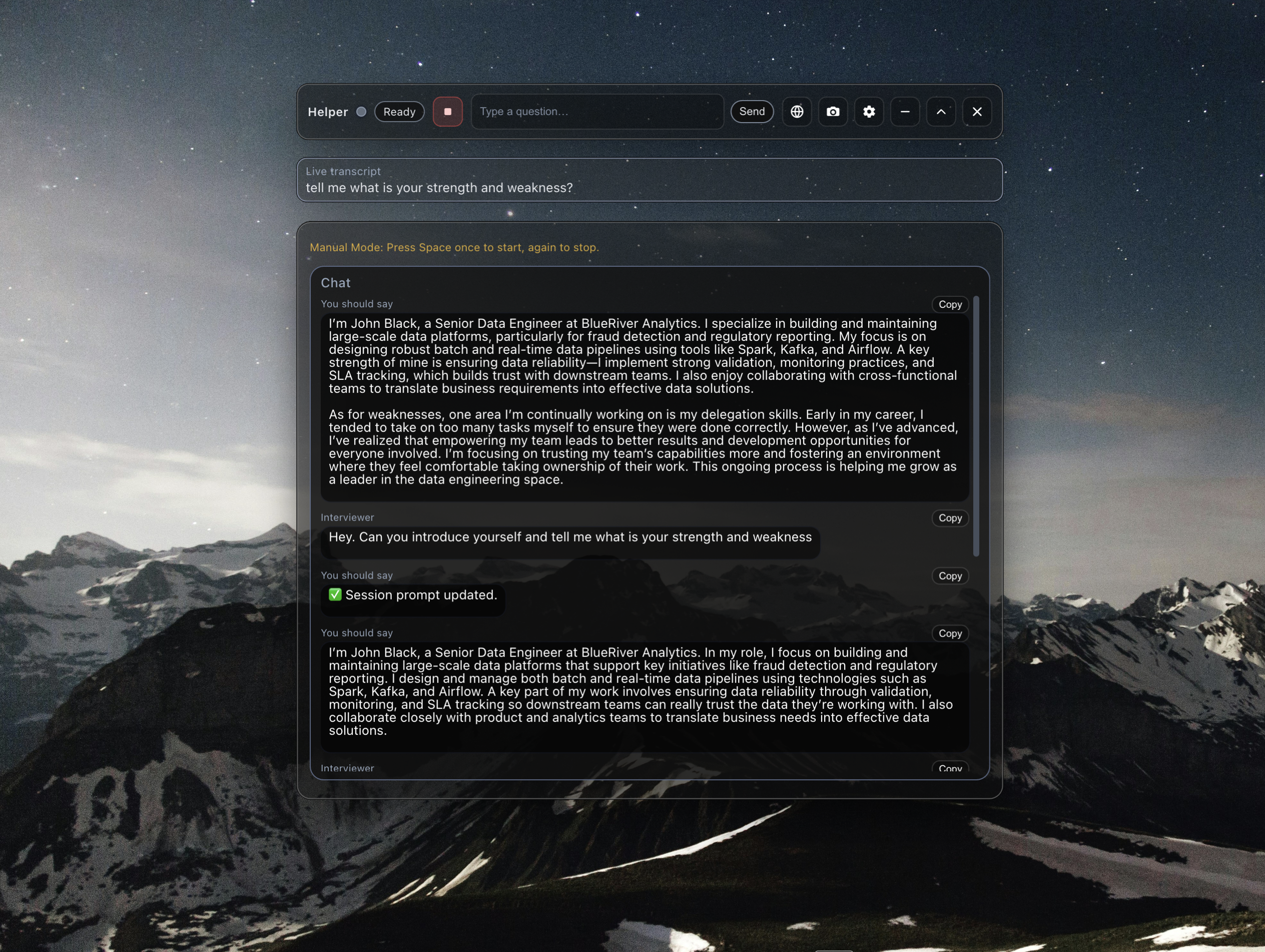
CuePro operates with complete stealth during meetings, interviews, and presentations. Undetectable in video calls, screen shares, and recordings. Built with Tauri and Rust for blazing-fast performance, ~10MB size, and absolute privacy. Your conversations stay local, your data stays yours.
Why CuePro?
CuePro redefines what an AI assistant can be. Built from the ground up with privacy, performance, and discretion in mind, it delivers enterprise-grade capabilities without compromising your data security or system resources.
Complete Invisibility: Undetectable in video calls and screen shares
No Servers: Direct API calls to your chosen provider
Offline Capable: Works without internet for local features
Privacy-First: All data stored locally, zero telemetry
Instant Startup: Launches in under 100ms
Always On Top: Accessible during any application
Blazing Fast: ~10MB size, 27x smaller than alternatives
Any AI Provider: OpenAI, Claude, Gemini, Grok, or custom
Cross-Platform: Native on macOS, Windows, and Linux
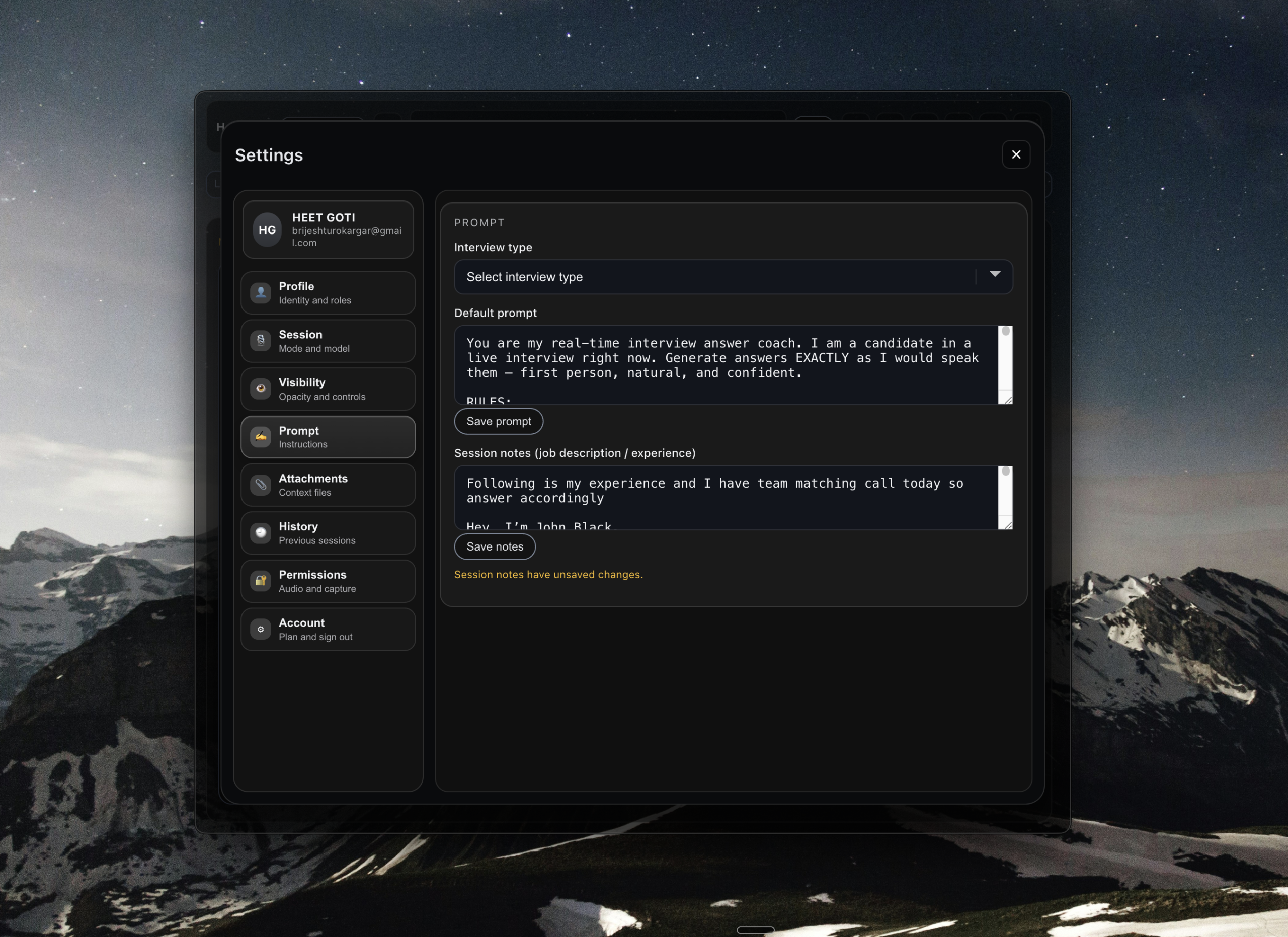
Screenshot-Proof: Translucent overlay design
Any STT Provider: Whisper, ElevenLabs, Groq, or custom
Open Source: GPL v3, inspect & modify everything
Used for 100,000+ Interviews


Complete Invisibility
Pluely’s translucent overlay window sits above all applications, invisible in video calls, screen shares, and recordings. Perfect stealth for meetings on Zoom, Google Meet, Microsoft Teams, and Slack Huddles.
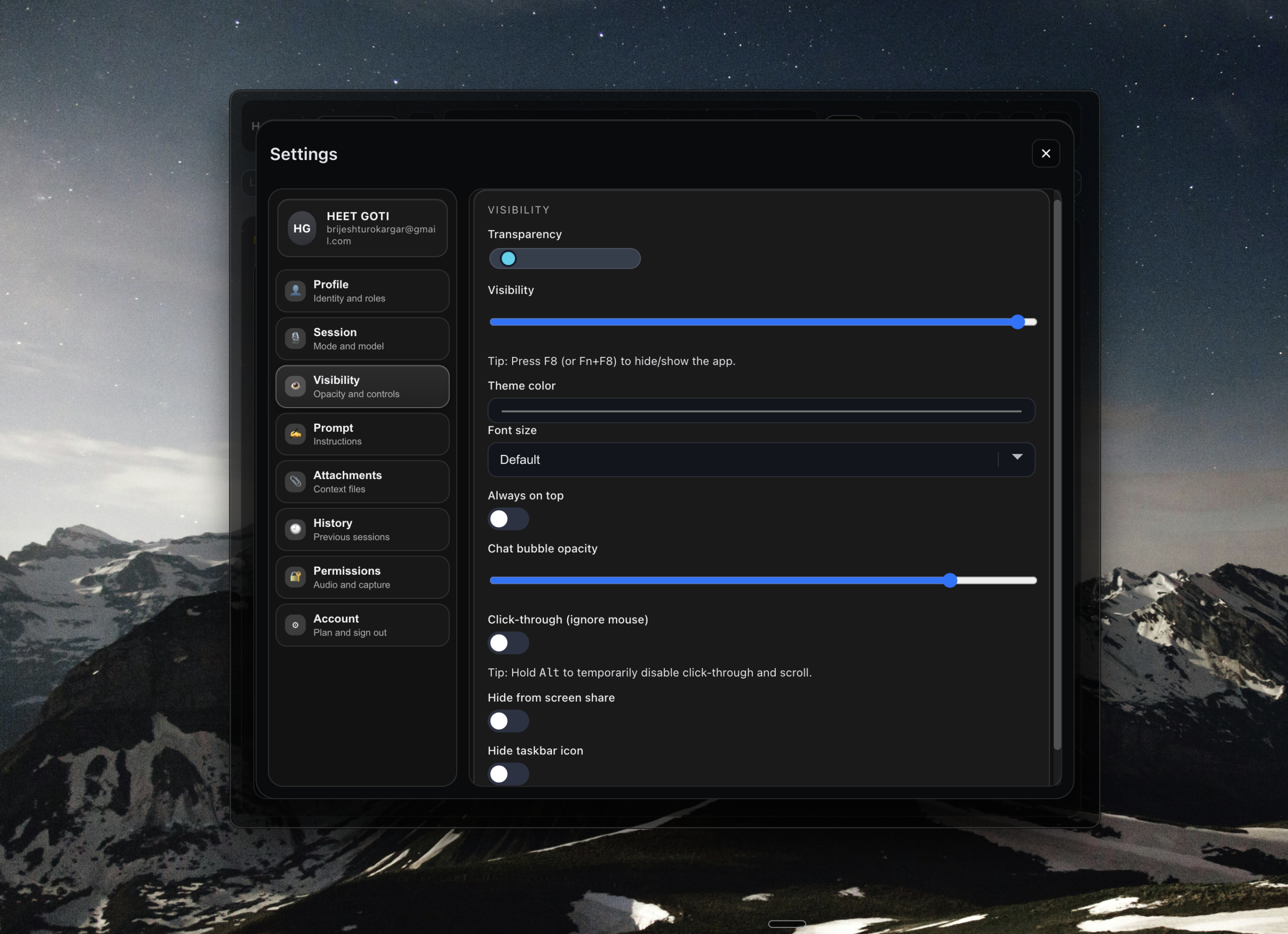
Screenshot Capture - Manual Mode
Capture multiple screenshots and attach them to your conversation. Full-screen or selection mode with intelligent file management. Perfect for visual analysis and documentation.
Screenshot Capture - Manual Mode
Capture multiple screenshots and attach them to your conversation. Full-screen or selection mode with intelligent file management. Perfect for visual analysis and documentation.
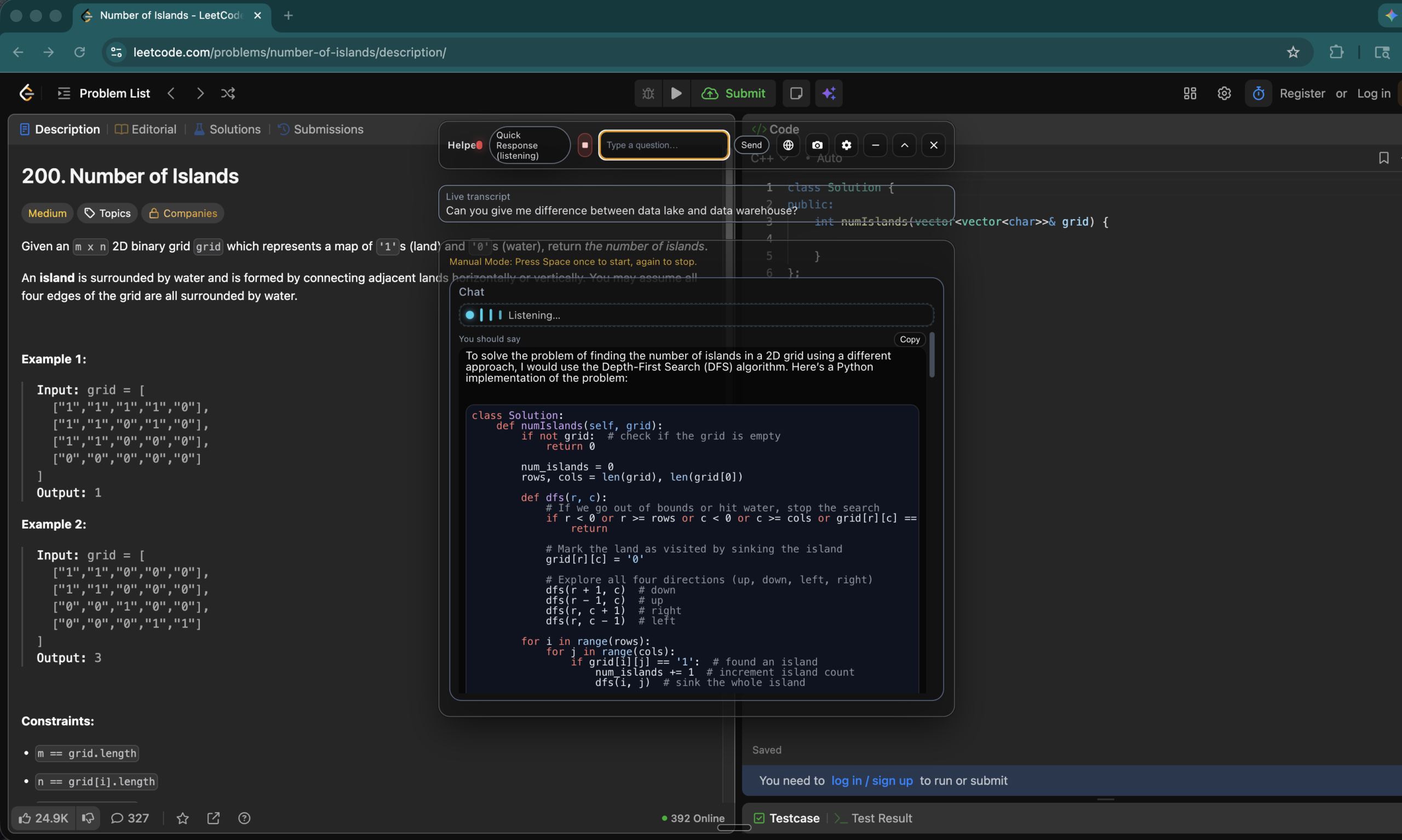
Pre-Configured Speech-to-Text Providers
Groq Whisper: Lightning-fast transcription with Groq’s optimized Whisper models
Azure Speech-to-Text: Microsoft’s multilingual speech recognition service
IBM Watson STT: Watson’s AI-powered speech-to-text capabilities
Google Speech-to-Text: Google Cloud’s advanced speech recognition with 125+ languages
Speechmatics: Specialized transcription with custom vocabulary support
Deepgram STT: Enterprise-grade transcription with real-time streaming support
Rev.ai STT: High-accuracy professional transcription service
Our Clients
Testimonials
See what our satisfied customers are saying about Divi Payroll. Their experiences speak to our commitment to reliable and efficient payroll solutions.
Prcing
Starter
- Ideal for small businesses
- Automated payroll
- Basic tax support
- Essential reporting tools
Growth
- Detailed reporting
- Designed for expanding businesses
- Time tracking integration
- Payroll tax filing
- Enhanced employee benefits management
- Dedicated customer support
- Multi-state tax filing
Enterprise
- Tailored for large organizations
- Fully customizable payroll solutions
- Dedicated account management
- Dedicated customer support
- Multi-state tax filing
Frequently Asked Questions
Can’t find what you’re looking for?Contact support for further assistance.
How do I cancel my plan?
Yes, you can cancel your plan at any time through the billing portal. You will continue to have access to features until the end of your current billing period.
Which platforms does CuePro work with?
ParakeetAI works with all call platforms and is 100% private, invisible, and undetectable. Make sure you’re running the latest versions of your OS and video calling software, and always test ParakeetAI in a safe environment before your actual call.
Can proctoring software detect CuePro?
No. CuePro operates invisibly at the system level and is designed to be undetectable by proctoring software, screen-sharing tools, and recording software.
Can I use CuePro during an online exam?
Yes. CuePro is invisible and undetectable to the proctoring and screen-sharing tools typically used during online exams.
Is there a way to change the CuePro process name in Activity Monitor or Task Manager?
Unfortunately, there is currently no way to change the CuePro process name (pmodule) in Activity Monitor or Task Manager.
Ready to Go Invisible?
Experience AI assistance that operates with complete stealth. Built with Tauri and Rust for blazing-fast performance, absolute privacy, and professional-grade discretion. Your invisible AI companion for meetings, interviews, and presentations.